
"What is that VM's IP address?" is one of the most common reasons to open the Proxmox web UI. Aprox answers it on the guest's Summary: when a virtual machine runs the QEMU guest agent, the Guest card shows what the VM reports about itself, including every IP address. Tap an address to copy it. This is free.
Where to find it
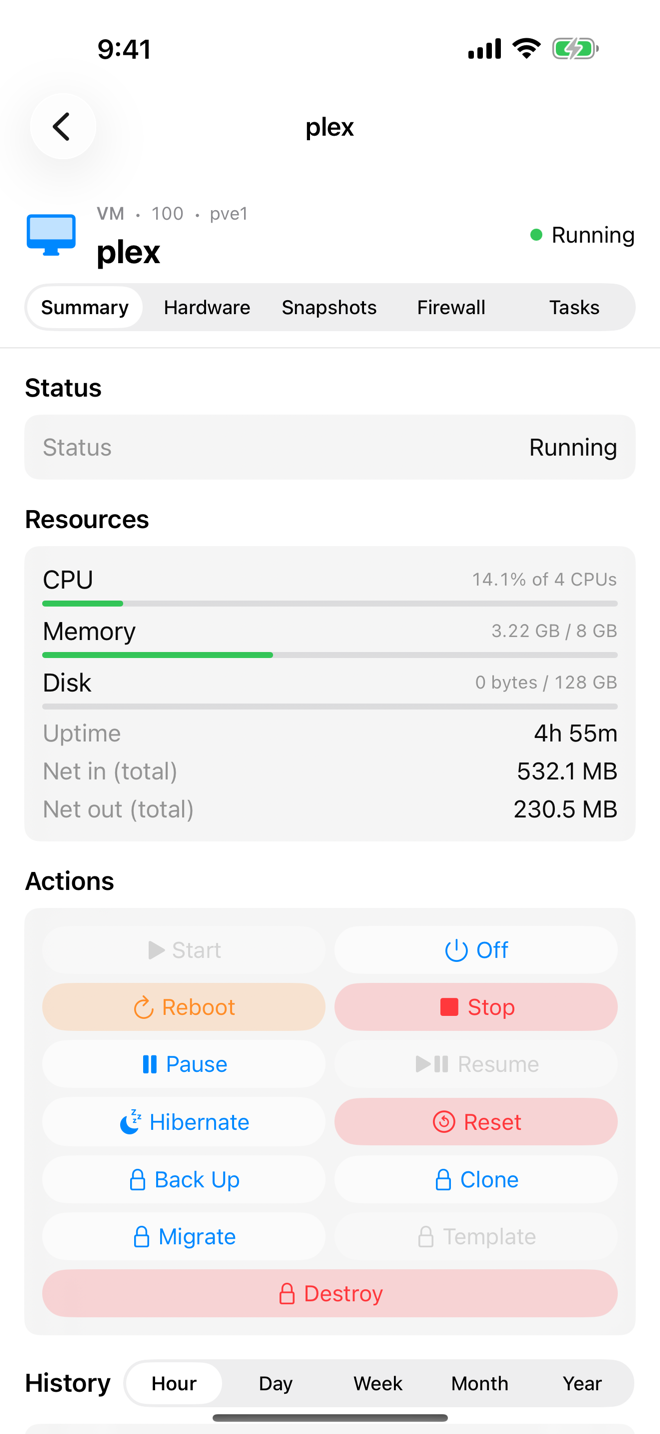
Sidebar › plex › Summary › Guest card.
The card appears only for a running virtual machine whose guest agent answers. Without an agent, the card is simply not there.
Read the Guest card
| Row | What it shows |
|---|---|
| Hostname | The host name the VM's operating system uses. |
| Operating system | The operating system's name and version, for example Debian GNU/Linux 13. |
| Kernel | The running kernel release. |
| One row per address | The network interface name (for example eth0 or ens18) and its IPv4 or IPv6 address. |
Aprox lists the addresses you can connect to: it leaves out loopback addresses (such as 127.0.0.1) and link-local addresses (such as fe80::…), and lists IPv4 addresses before IPv6 ones.
Copy an IP address
- Tap the address row.
- The address is copied to the clipboard, and the row briefly shows Copied.
- Paste it into your SSH client, browser or wherever you need it.
Set up the guest agent
The card needs three things.
- A virtual machine. Containers do not use the QEMU guest agent, so they have no Guest card. Their network settings are in the container's Hardware tab.
- The agent installed and running inside the VM. For example:
- Debian or Ubuntu:
apt install qemu-guest-agent, thensystemctl enable --now qemu-guest-agent. - Windows: install the QEMU guest agent from the VirtIO drivers ISO for Windows.
- Debian or Ubuntu:
- The agent option enabled on the VM in Proxmox.
- Open the VM's Hardware tab.
- Tap QEMU Agent.
- Turn on Enable QEMU Guest Agent and tap Save.
- If the VM is running, the change is queued under Pending changes. Shut the VM down and start it again; a reboot from inside the guest is not enough.
Editing hardware, including the agent option, needs Aprox Pro. You can also enable the option in the Proxmox web UI under the VM › Options › QEMU Guest Agent. See Virtual machine hardware for the other agent settings.
Good to know
- Only while running. The card disappears when the VM stops, because what the agent reported is no longer true, and comes back once the VM is up and the agent answers again. Right after a start, it can take a moment until the agent inside the guest is ready.
- Agent not answering. Where Aprox needs the agent elsewhere, the error reads "The QEMU guest agent is not answering. Install and start qemu-guest-agent inside the VM, and enable the agent in its options."
- Other agent benefits. With the agent, Proxmox can also shut the VM down cleanly and freeze its file systems during a backup (Freeze filesystems on backup in the QEMU Agent editor).